


64GB High-Endurance Memory Card
64GB High-Endurance Memory Card
🌧️ Waterproof and rugged
📱 CarPlay and Android Auto
🗺️ Navigation without your phone
📞 Hands-free calling, safer riding
Couldn't load pickup availability
Technical Specification
Technical Specification
Display: 6.86-inch Full HD touchscreen
Housing dimensions: 19cm (W) × 8cm (H) × 3cm (D)
Resolution: 1920 × 720
System: Apple CarPlay and Android Auto (wireless)
Connectivity: Bluetooth 5.2, dual-band Wi-Fi
Audio: Compatible with helmet headsets and intercoms (Sena, Cardo and others)
Cameras: Optional 1080p front and rear (plug and play)
TPMS: Optional tyre pressure and temperature sensors
Waterproofing: IPX8
Power: 12V from the motorcycle battery
Mounting: U-bolt handlebar clamp (included)
Material: Durable ABS with anti-glare coating
Screen: Capacitive touch, works with motorcycle gloves

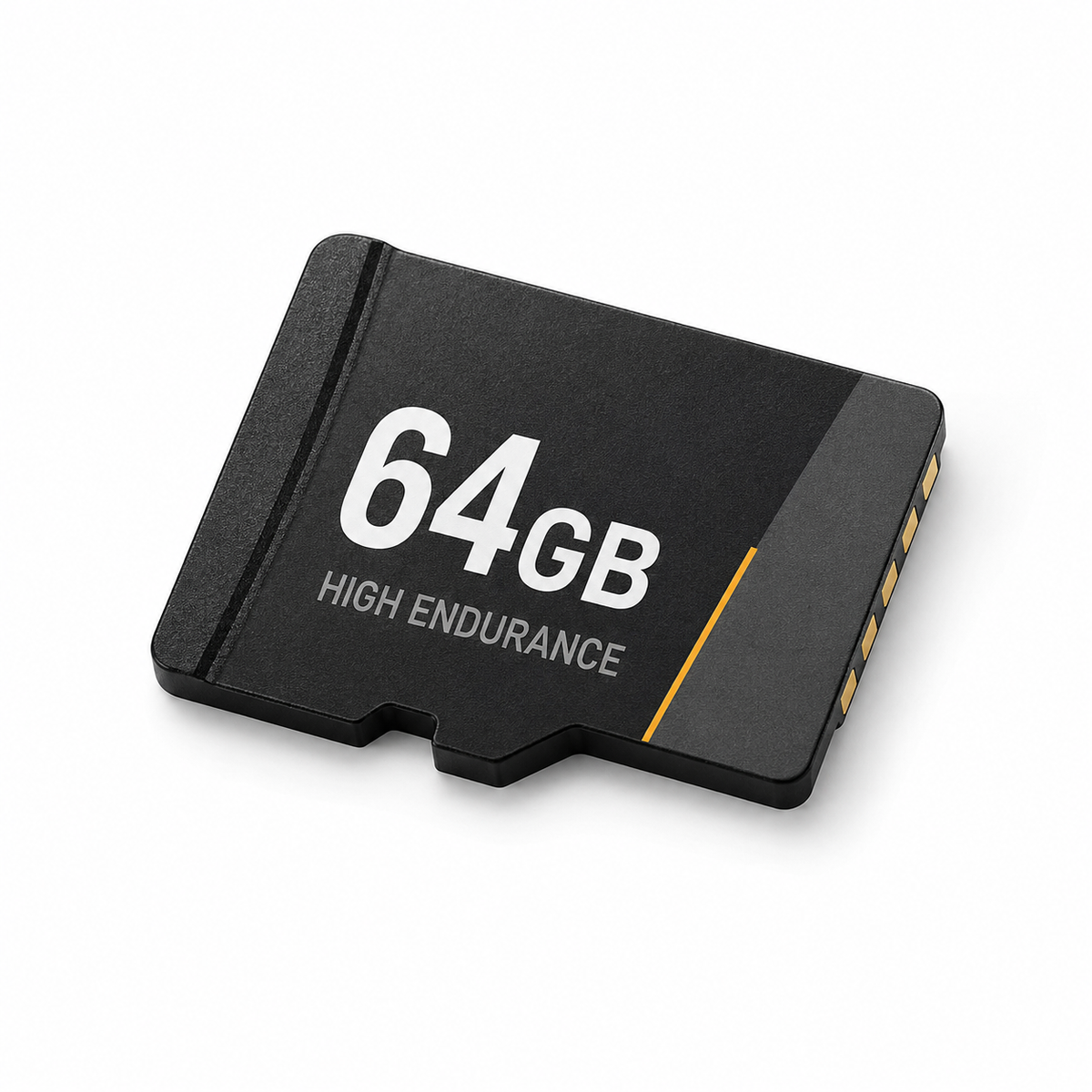
64GB High-Endurance Memory Card
How to install it — it's simple!
-

Connect to the battery
🔴 Red cable to positive, ⚫ black to negative — a standard battery connection.
-

Fit the mount
🔧 Bolt on the mount and click the display into place — everything sits securely.
-

Clip in the display
📲 Connect the display cable to the power cable. Your screen is ready to go.


Phone Mount vs Moto Link
Most riders start with a phone mount. Come back here after the first time it lets you down.

|
Phone mounts | |
|---|---|---|
| Wireless navigation | ||
| Music and calls on the road | ||
| Keeps your phone safe | ||
| IPX8 waterproofing | ||
| Protects your camera from vibration | ||
| Works with gloves on |
Riders trust Moto Link


Frequently Asked Questions
The screen stays on after I turn off the engine — how do I fix that?
The screen stays on after I turn off the engine — how do I fix that?
You've got a few options here — all of them work, pick whichever suits you best.
Option 1: Quick-disconnect on the power lead (simplest)
The Moto Link power lead has a waterproof quick-disconnect between the cable coming from the screen and the cable wired to the battery. After every ride, unclip the screen from power in one motion — takes 2 seconds, and your battery stays fully charged. A clean solution with no changes to your bike's wiring.
Option 2: Wire to ACC (for hands-free automation)
Instead of wiring straight to the battery's positive terminal, you can connect the red wire to your bike's ACC circuit — power that switches on with the ignition key. The screen then turns on automatically with the ignition and switches off when you remove the key. No buttons, nothing to remember — set it up once and it just works.
Option 3: Add an inline switch
You can fit a simple switch into the power lead — available at any motorcycle parts shop. Mount it somewhere convenient and switch it off by hand whenever the bike is parked.
All three options work well. If you're not confident with the wiring yourself, any motorcycle workshop can sort it in about 15 minutes.
Will Moto Link fit my motorcycle?
Will Moto Link fit my motorcycle?
Moto Link works with any motorcycle running a 12V battery — that covers almost every road bike built since 1990.
Confirmed models (from our customers' feedback):
BMW — GS, R1250, F850, S-series, R1200
Yamaha — MT-07, MT-09, Tracer, R1, R6, R125, YZF
Honda — Africa Twin, CBR, CB, VFR, Transalp
Kawasaki — Ninja, Z-series, Versys, Vulcan
Suzuki — V-Strom, GSX, DL, Bandit
Harley-Davidson — Street Glide, Road King, Sportster, Fat Boy
KTM — Duke, Adventure, Super Duke
Triumph — Tiger, Street Triple, Trident
Ducati — Multistrada, Monster, Hypermotard
Indian — Chieftain, Scout, Roadmaster
The standard U-bolt mount fits handlebars 22–28mm in diameter — that covers most road bikes. Larger handlebars (32mm or 38mm / 1.5in, common on some cruisers) need an additional adapter.
Not sure? Send us your bike's model at contact.motolink@gmail.com and we'll get back to you within 24 hours.
Does Moto Link work with iPhone and Android?
Does Moto Link work with iPhone and Android?
Yes — Moto Link supports wireless Apple CarPlay (iPhone) and Android Auto (Samsung, Google Pixel, Motorola, OnePlus, Xiaomi and other Android brands).
Requirements:
- iPhone with iOS 13 or newer
- Android 11 or newer with 5GHz Wi-Fi support
- Google Play services on the phone (Android Auto requirement)
The first pairing takes about 30 seconds. After that, Moto Link connects to your phone automatically every time you start the engine.
Does my phone need to be on the handlebars, or can it stay in my pocket?
Does my phone need to be on the handlebars, or can it stay in my pocket?
In your pocket or your bag — that's exactly what Moto Link is built for.
Your phone talks to the screen wirelessly (Bluetooth + Wi-Fi Direct) from a few metres away. No need to take it out, no vibration risk to the camera, no risk of it flying out of a mount.
Navigation, music, calls — all of it shows up on the 6.86-inch screen. Your phone stays safe.
What does installation involve?
What does installation involve?
The whole process usually takes 15–20 minutes. Installation itself is simple — fit the U-bolt mount to the handlebars, click the screen in, and connect the power lead following the instructions.
The choice is yours:
Fit it yourself — most of our customers manage without any trouble. Everything you need is in the box, and it comes down to a few basic mechanical and electrical steps.
Get a mechanic to fit it — if you'd rather have peace of mind that it's done professionally, any motorcycle workshop can take this on. This is especially worth it if you're wiring to ACC, which means finding the right circuit in your bike's electrics.
Either way works well — it's entirely down to your own preference and experience.
Can I use the screen while wearing motorcycle gloves?
Can I use the screen while wearing motorcycle gloves?
Yes — the Moto Link touchscreen is designed to work with motorcycle gloves. It works with leather, textile, and membrane-lined gloves alike.
Tested with Dainese, Rev'It and Alpinestars gloves — no issues. No need to take your gloves off at the lights to skip a track or check the route.
Can I remove the screen when I park?
Can I remove the screen when I park?
Yes — the screen sits on a ball mount, so it comes off in a few seconds. No tools, no unscrewing anything.
A simple anti-theft habit: take the screen with you into a café or hotel, then click it back in when you're back.
Which navigation apps are supported?
Which navigation apps are supported?
Any app certified for Apple CarPlay and Android Auto, including:
- Google Maps
- Apple Maps
- Waze
- Calimoto (dedicated motorcycle routing app)
- TomTom GO
- Sygic
Switching between apps works just like it does in a car — right there on the screen.
What's in the box?
What's in the box?
- Moto Link 6.86-inch Display (IPX8, CarPlay / Android Auto)
- U-bolt handlebar mount (22–28mm)
- 12V power lead with fuse
- User manual
- Fitting screwdriver
- Screws and mounting hardware
The base kit is complete — it includes everything you need to install it.
Optional add-ons (sold separately, or as a bundle at a better price):
- Moto Link front + rear HD cameras — live feed and ride recording to a microSD card
- TPMS tyre pressure sensors — pressure and temperature alerts shown right on the screen
Where's the best place to mount the screen?
Where's the best place to mount the screen?
The best mounting position depends on your bike and your own preference. The most popular options:
Above the speedo — in your direct line of sight, without blocking the dash. A clean option, often chosen on tourers and adventure bikes.
Below the speedo — the classic spot. You see the screen and your speedo at the same time.
Centre of the handlebars — on the bike's centreline, ideal for naked bikes and bikes with straight bars.
Top yoke (upper triple clamp) — works well for sportsbikes (Yamaha R1/R6, Kawasaki Ninja, Honda CBR) with low clip-on bars, where there's no room on the bars themselves.
Between the grips — popular on cruisers (Harley-Davidson, Indian) with wider, swept-back bars.
The ball mount lets you fine-tune the screen angle no matter which spot you choose.
Is the mount compatible with RAM Mount or Quad Lock?
Is the mount compatible with RAM Mount or Quad Lock?
Moto Link has a standard ball joint mount on the back. If you already have a RAM Mount base on your bike, it'll work with our ball mount with an adapter in most setups.
Message us before you buy and let us know which mounting system you're using — we'll point you to the right option.
Can I use Moto Link on two vehicles?
Can I use Moto Link on two vehicles?
Yes — if you pick up an extra U-bolt mount, you can move the screen between bikes in about 2 minutes. It pops off the ball mount in one motion.
Works well for: two motorcycles, a bike and a quad, or a summer bike and a winter scooter.
Is there a fork stem mount?
Is there a fork stem mount?
The standard kit includes a handlebar mount. A dedicated fork stem mount isn't currently in our range — we're planning to expand our accessories.
In the meantime, a universal RAM Mount fork stem base with a ball adapter will work.
Does the screen need its own SIM card or internet connection?
Does the screen need its own SIM card or internet connection?
No. Moto Link uses your phone's internet connection, shared wirelessly over Bluetooth and Wi-Fi Direct. You don't need a separate SIM card or data plan.
Same setup as CarPlay in a car — your phone supplies the data, the screen displays the interface.
Can I listen to music and use navigation at the same time?
Can I listen to music and use navigation at the same time?
Yes — exactly like CarPlay in a car. Map on one side, music player on the other. Voice navigation prompts automatically duck the music at the right moment.
Does WhatsApp, Messenger or iMessage work?
Does WhatsApp, Messenger or iMessage work?
WhatsApp and Messenger — yes, both support CarPlay and Android Auto. Messages are read aloud, and you can reply using your voice assistant (Siri or Google Assistant).
iMessage (iPhone) — yes, supported natively through Siri.
Does the screen have built-in GPS?
Does the screen have built-in GPS?
No — GPS comes from your phone. Your phone works out your position and sends it to the screen through CarPlay / Android Auto.
This is actually more accurate than a dedicated GPS in a standalone sat-nav — maps update automatically with your app's own updates (Google Maps and so on).
Does Moto Link work with Sena or Cardo intercoms?
Does Moto Link work with Sena or Cardo intercoms?
Yes — Moto Link pairs over Bluetooth 5.2 with most popular intercoms:
- Sena — 50S, 50R, 30K, 20S, 10S, SF4
- Cardo — Packtalk Edge, Packtalk Bold, Freecom 4x
- UClear, Midland, Interphone — supported
Pairing happens in the Bluetooth settings on the screen — pick your intercom from the list and confirm.
How does the audio work — through the screen or directly?
How does the audio work — through the screen or directly?
Audio goes straight from your phone to your intercom over Bluetooth — the screen handles the display, while audio (music, voice navigation, calls) bypasses the screen entirely and goes straight to your helmet.
This gives the best audio quality and the lowest possible delay.
Can my passenger hear the music and navigation too?
Can my passenger hear the music and navigation too?
Yes — if your passenger has a Bluetooth intercom in their helmet, it can pair with the rider's intercom (most modern intercoms support two-person pairing) so they hear the same audio feed.
This is the standard setup for riding pairs.
Is Moto Link really waterproof?
Is Moto Link really waterproof?
Yes — rated IPX8. That's the highest waterproofing standard in this category, ahead of most of the competition (typically IPX7 or IP67).
In practice, that means:
- Heavy rain and storms — the screen keeps working without a hitch
- Washing your bike with a pressure washer — no problem
- Brief submersion up to 1 metre — no effect on performance
Does the screen work in freezing cold or extreme heat?
Does the screen work in freezing cold or extreme heat?
Yes. Operating range: -20°C to +80°C.
An early-season 0°C morning — full functionality. A 40°C day on hot tarmac — no restrictions. If you ride year-round, Moto Link is built to handle it.
How visible is the screen in sunlight?
How visible is the screen in sunlight?
The screen has an anti-glare coating and high brightness, so it stays easy to read in direct sunlight. The map and navigation stay clear even at midday.
Can I return the screen within 14 days?
Can I return the screen within 14 days?
Yes — you have 14 days to return your order for any reason, no explanation needed.
How to return it:
- Email contact.motolink@gmail.com with your order number
- You'll receive a return address and instructions within 24 hours
- Send the parcel back
- Once we receive and check it, you'll get a full refund within 3–7 business days.
What language does the screen display in?
What language does the screen display in?
Moto Link mirrors whatever language your phone is set to. CarPlay and Android Auto follow your phone's system language, so the menus, app names and voice prompts on screen simply match your phone's settings — no separate configuration needed.
Can I add front and rear cameras?
Can I add front and rear cameras?
Yes — Moto Link front + rear cameras are available as an add-on. The live feed shows directly on the screen, and footage is saved to a microSD card.
Available separately, or bundled with the screen and TPMS at a better price.
Are tyre pressure sensors (TPMS) available?
Are tyre pressure sensors (TPMS) available?
Yes — Moto Link TPMS tyre pressure sensors are available as an add-on. They fit on both tyre valves, sending pressure and temperature data to the screen wirelessly in real time.
Still have questions?
Still have questions?
Email contact.motolink@gmail.com and we'll get back to you within 24 hours. It helps to include:
- Your motorcycle model
- Your phone's make and OS version (iOS / Android)
- For order questions — your order number
- For technical issues — a photo or short video
We're riders too, and we use Moto Link ourselves — we've seen pretty much every scenario out on the road.